Build your own games in Unity, from the first lesson to a finished project
Video lessons with written notes, the author's code for every lesson and answers to your questions. You finish with a portfolio game and a certificate. The first lessons are free.
Courses
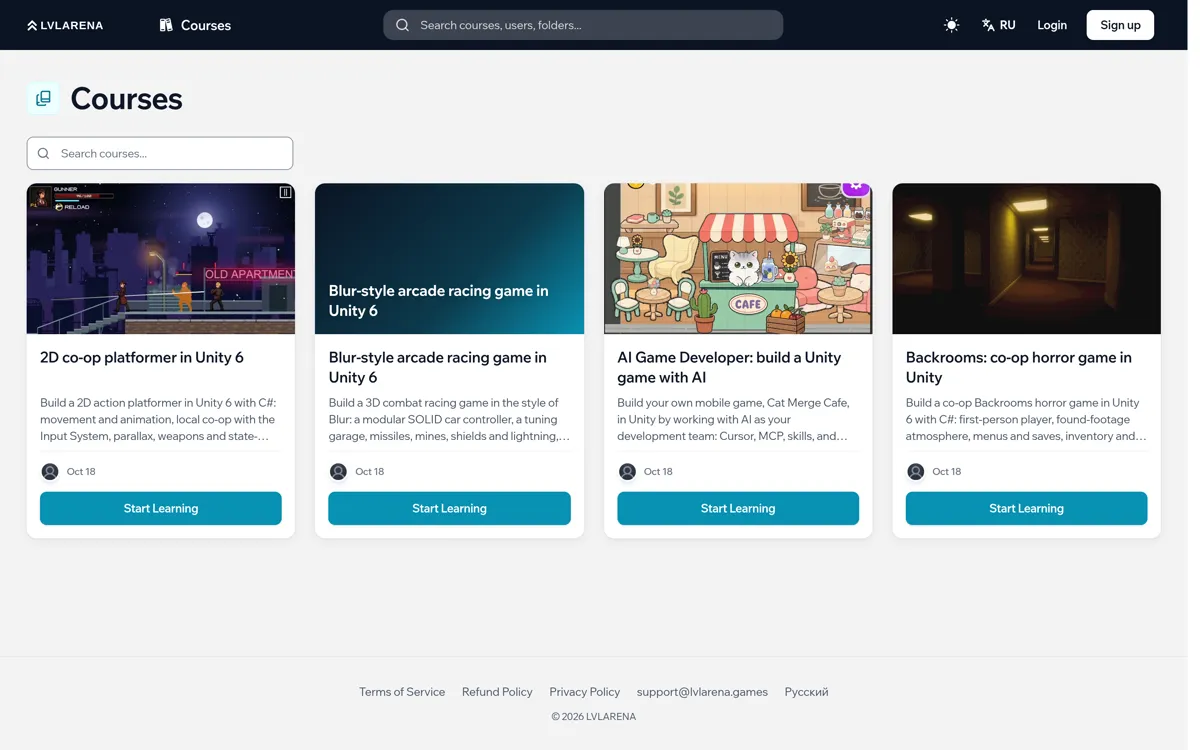
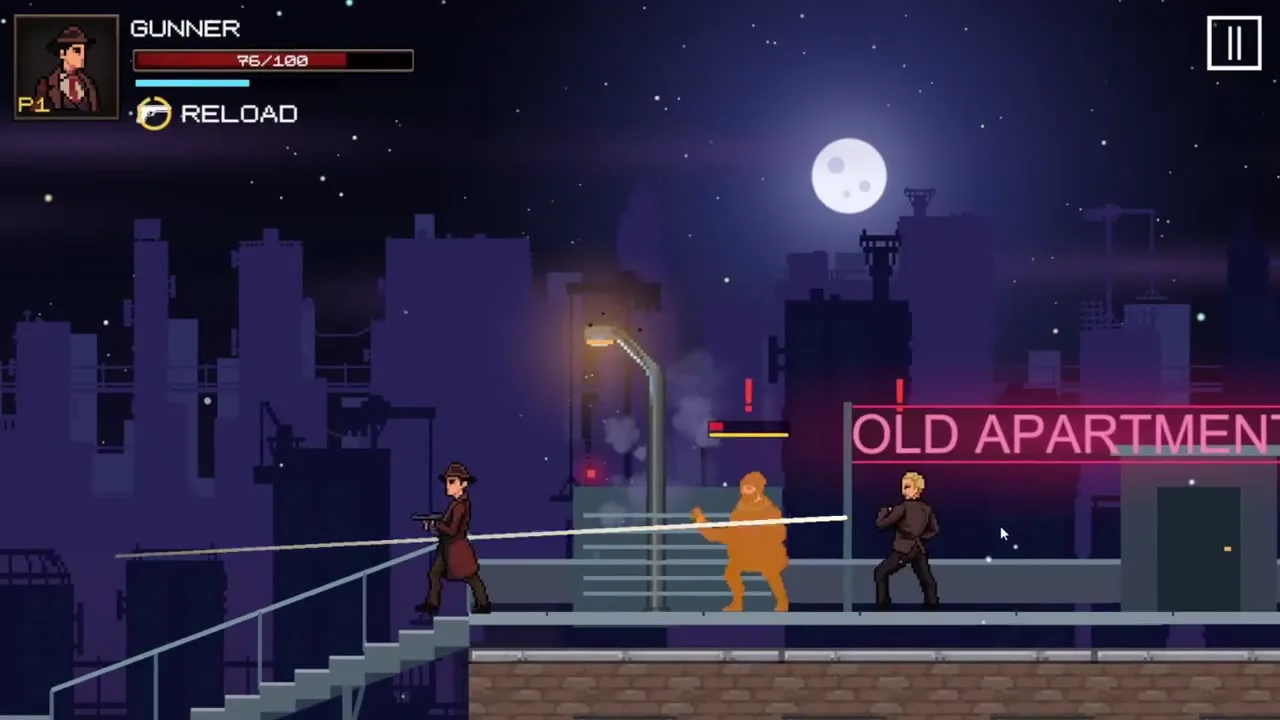
2D co-op platformer in Unity 6
Build a 2D action platformer in Unity 6 with C#: movement and animation, local co-op with the Input System, parallax, weapons and state-machine enemies, a multiplayer character-select menu, and Git Flow.

Blur-style arcade racing game in Unity 6
Build a 3D combat racing game in the style of Blur: a modular SOLID car controller, a tuning garage, missiles, mines, shields and lightning, bots, a minimap, a leaderboard and an Arena mode.
AI Game Developer: build a Unity game with AI
Build your own mobile game, Cat Merge Cafe, in Unity by working with AI as your development team: Cursor, MCP, skills, and agents. Beginner-friendly: the AI writes the code, you run the process.
Backrooms: co-op horror game in Unity
Build a co-op Backrooms horror game in Unity 6 with C#: first-person player, found-footage atmosphere, menus and saves, inventory and doors, a NavMesh monster, levers, optimization and Photon PUN 2 multiplayer.
What you get
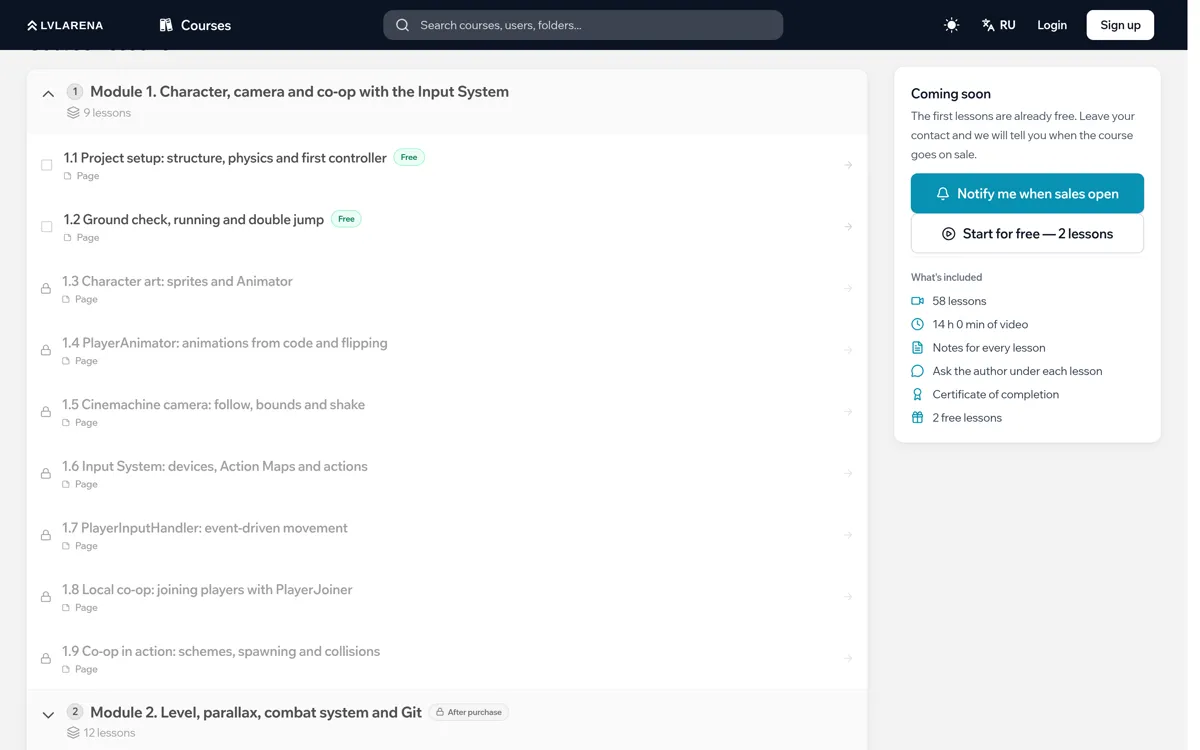
This is what learning looks like inside: everything in one place, at your own pace.
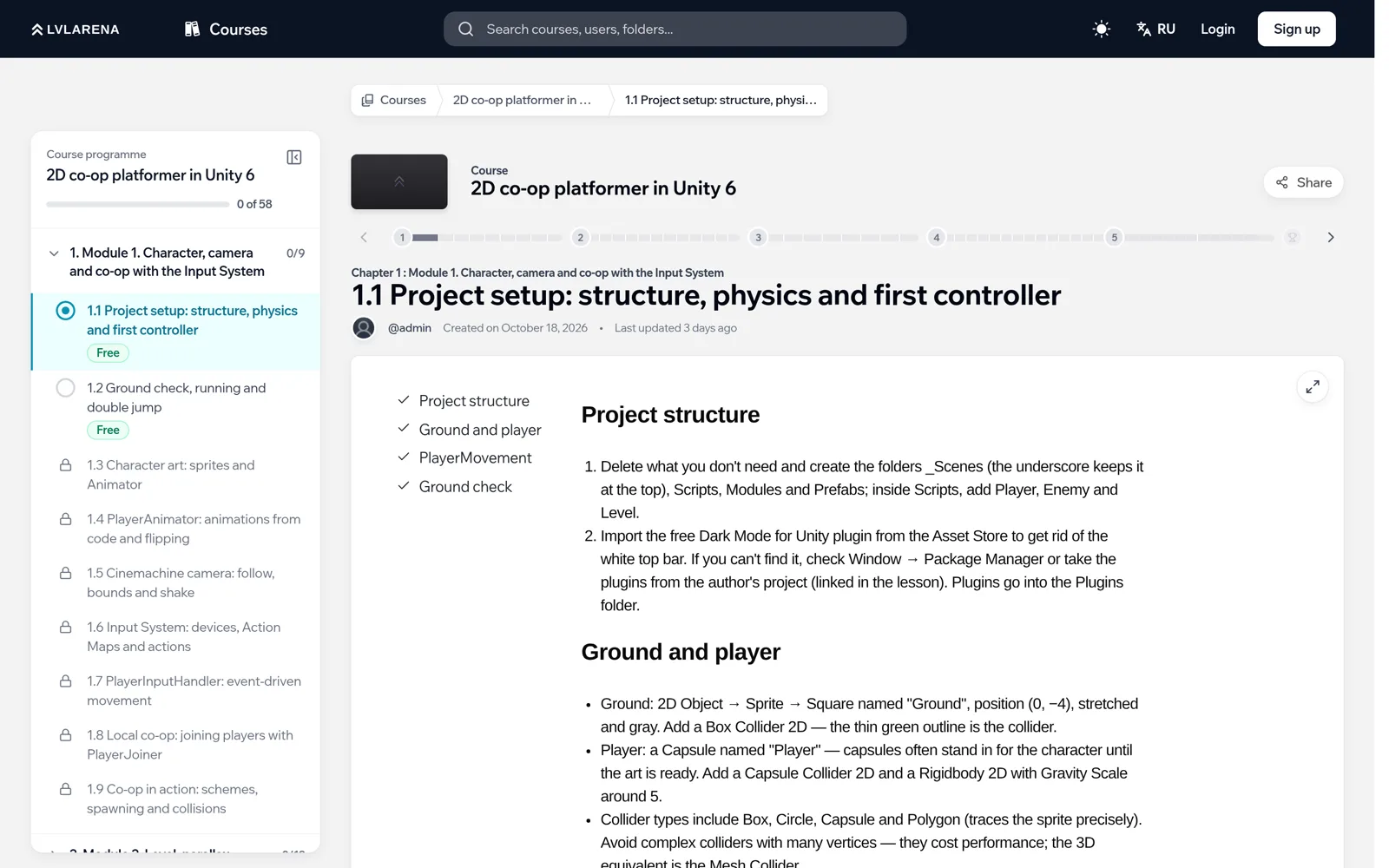
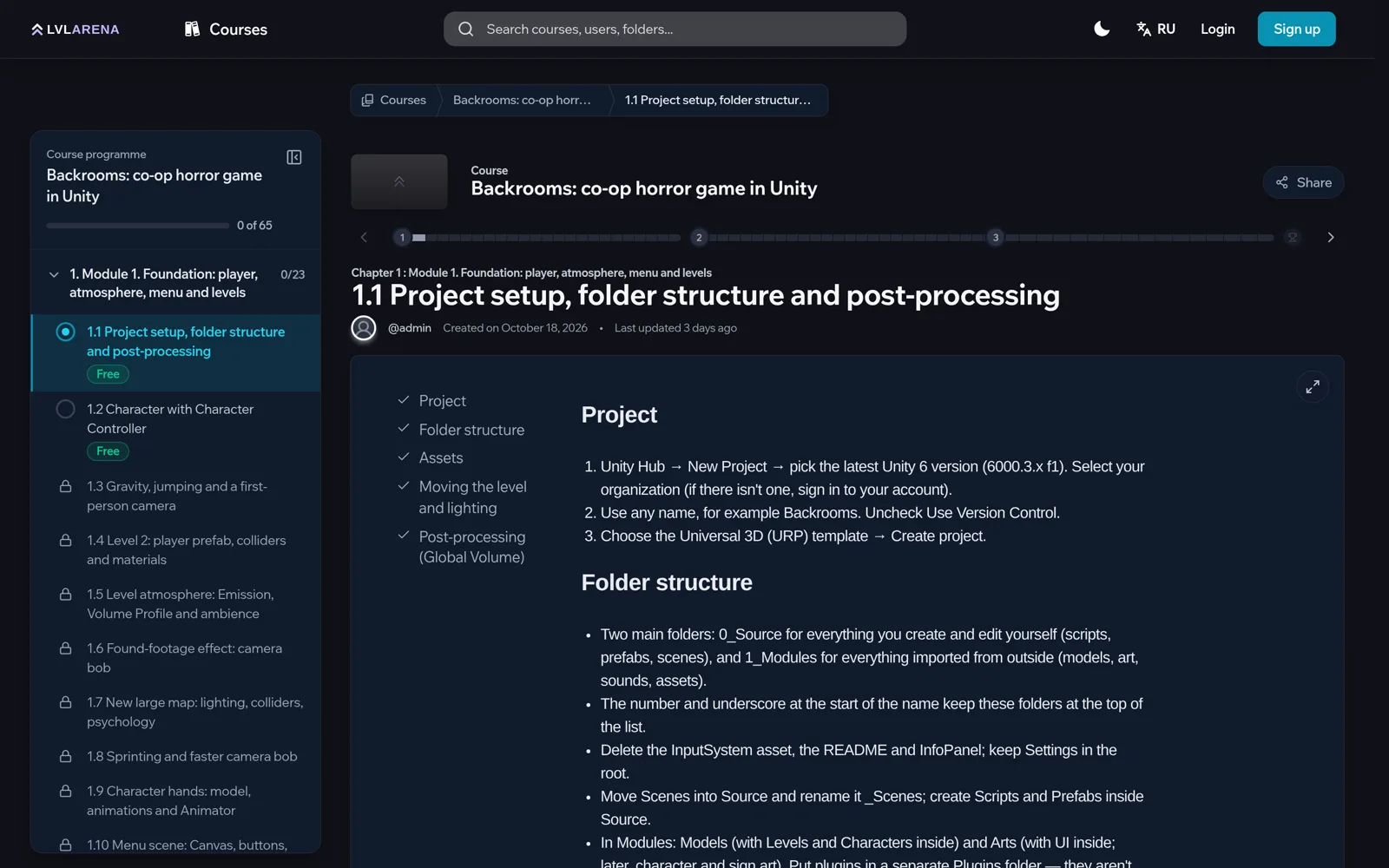
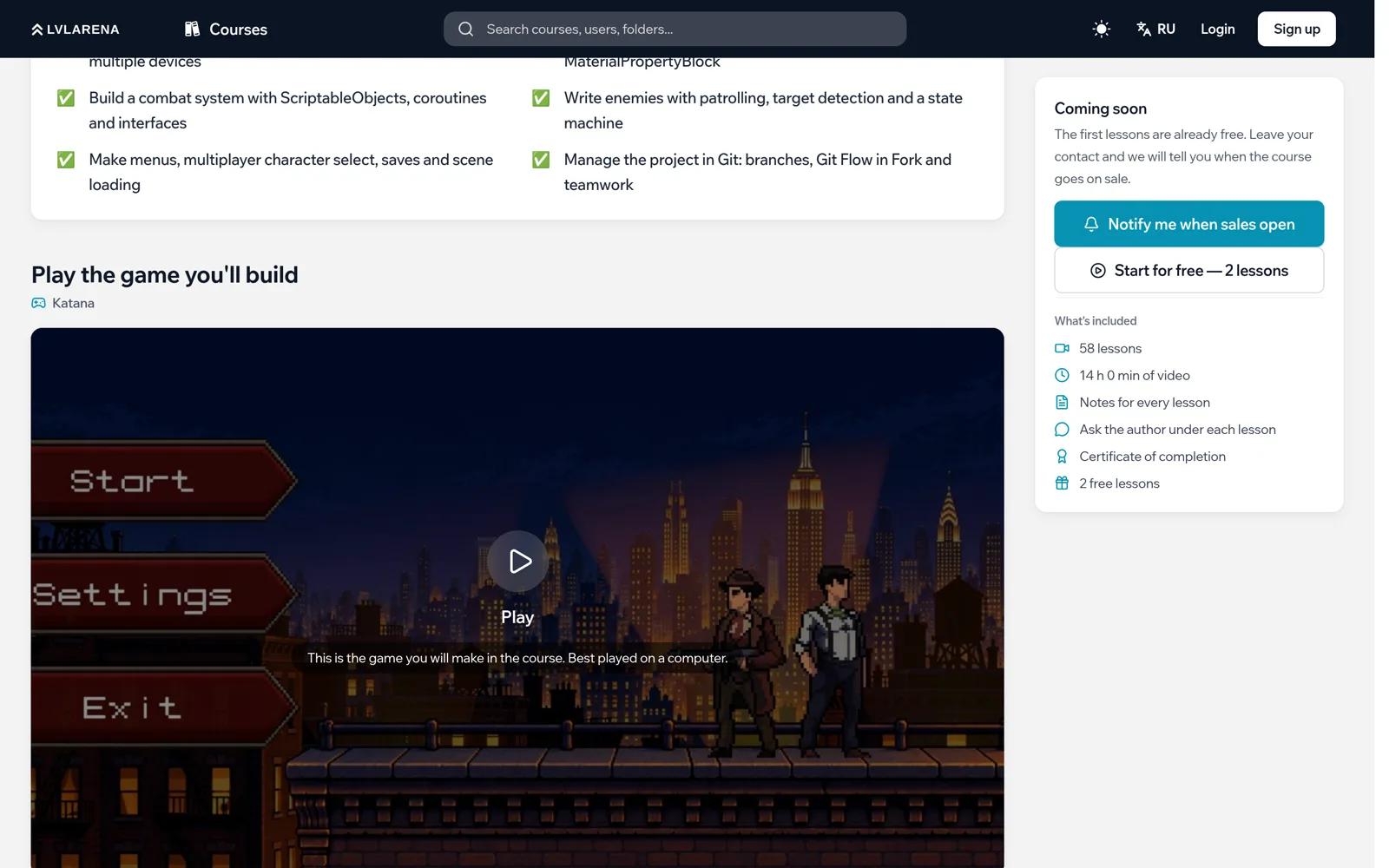
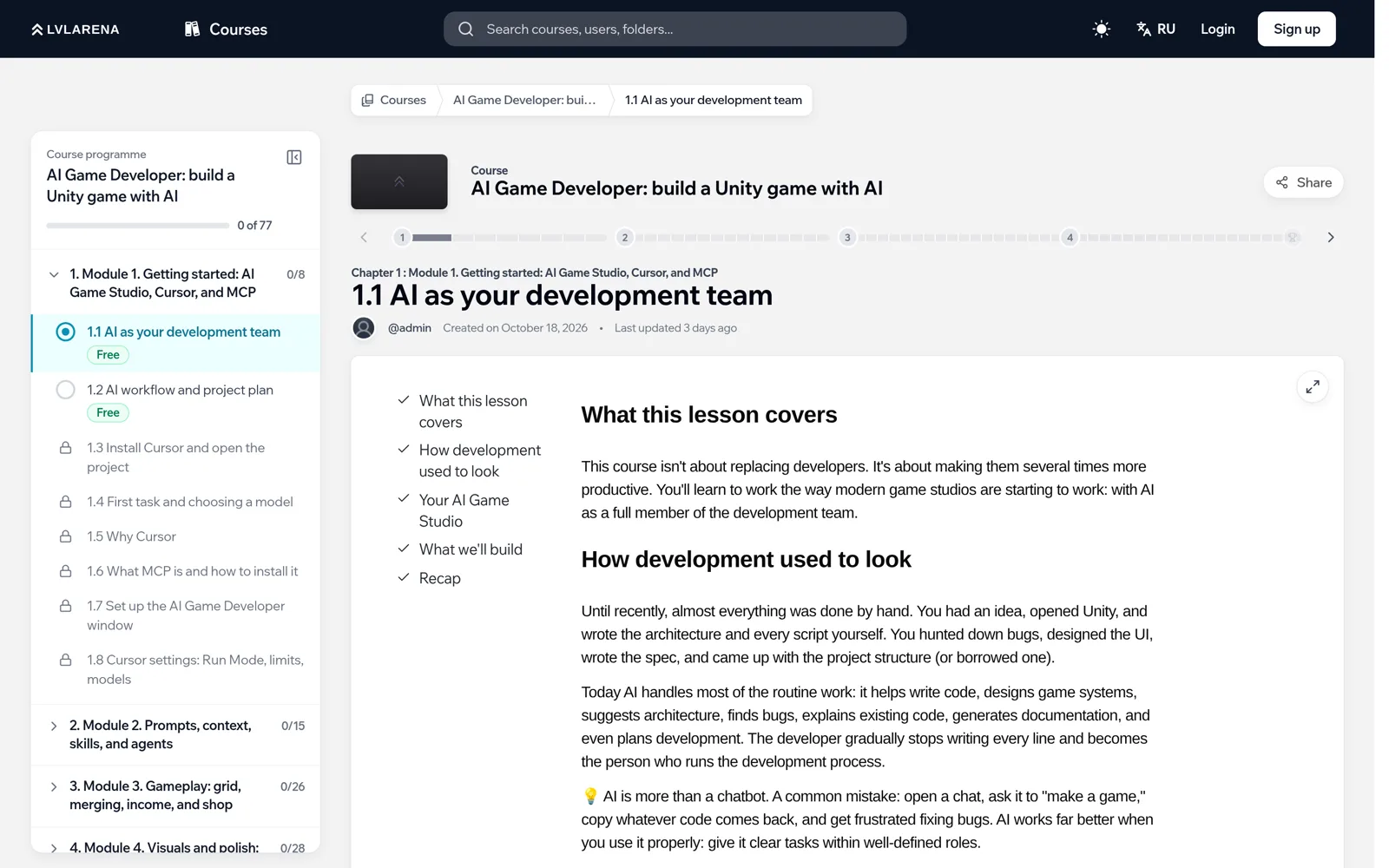
Every lesson comes with written notes: key steps, settings and code, with a table of contents.
Why LVLARENA
Learning by doing: every course is a finished game
A finished game
Every lesson is a step towards a game you can show to friends and employers.
Understanding, not copy-paste
We explain every decision: architecture, patterns and why it is done this way.
Like in a studio
Git and Git Flow, optimisation, multiplayer and AI tools.
Lesson notes
Every video comes with written notes covering the key steps and settings.
Author's projects
Source files and assets are attached to the lessons.
Community
Ask questions about the lessons in the course chat.
How it works
 1
Choose a course
The syllabus and description of every course are open before you buy.
 2
Get access
After payment, lessons, notes and materials unlock.
- 3
Build the game
Watch a lesson and repeat it in your own Unity project.
 4
Grow your portfolio
By the end you have a finished game and know how it works.
FAQ
What computer do I need?
A Windows or macOS PC or laptop that runs Unity 6 comfortably. Unity and a code editor are free.
How do I get access to the lessons?
Course descriptions and syllabi are open to everyone. Lessons, notes and materials unlock after you buy the course.