AI Game Developer: build a Unity game with AI
Build your own mobile game, Cat Merge Cafe, in Unity by working with AI as your development team: Cursor, MCP, skills, and agents. Beginner-friendly: the AI writes the code, you run the process.
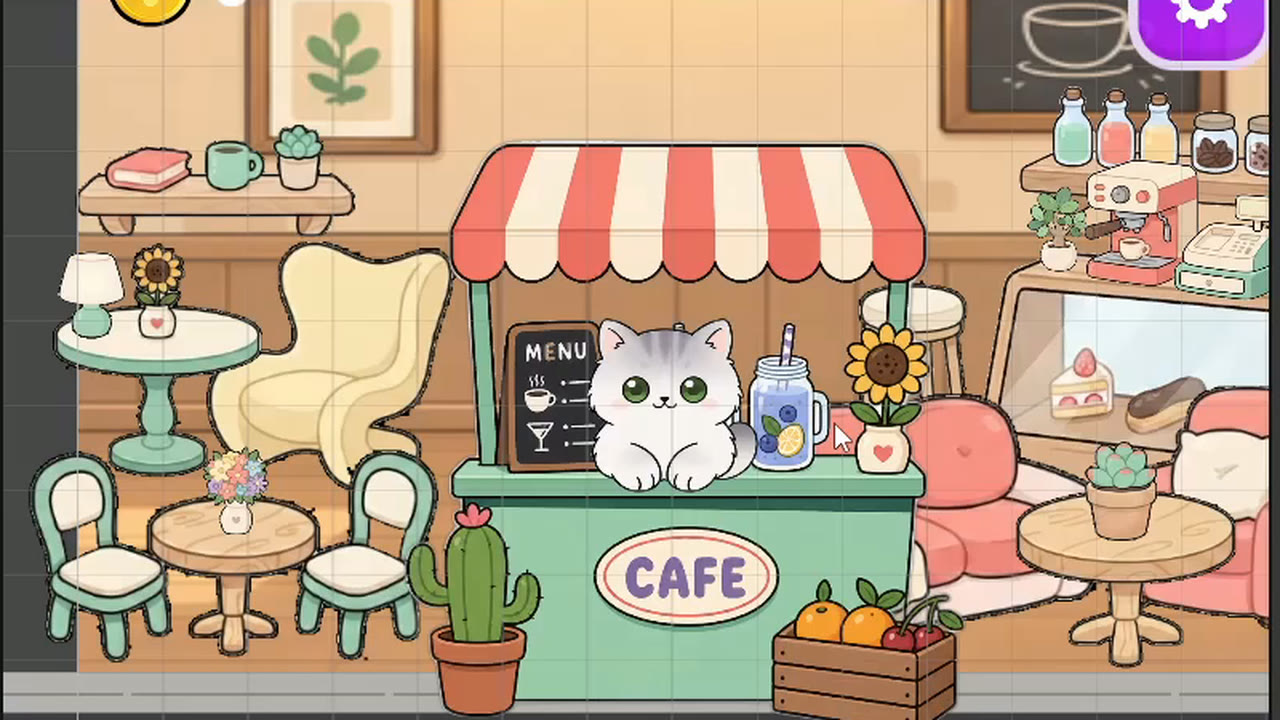
Coming soon
The first lessons are already free. Leave your contact and we will tell you when the course goes on sale.
What's included
- 77 lessons
- 5 h 55 min of video
- Notes for every lesson
- Ask the author under each lesson
- Certificate of completion
- 2 free lessons
Course at a glance
- Modules
- 4
- Last updated
- October 18, 2026
About this course
In this course you build Cat Merge Cafe, an idle game, from scratch: the player merges cocktails, earns coins, and grows a cafe full of cats. More importantly, you learn a modern approach to development where AI becomes a full member of the team. You set up Cursor and Unity MCP, learn to write prompts, manage context, create skills, and assemble an "orchestra" of AI agents: an architect, a programmer, a reviewer, a debugger, and a tester. Then, together with them, you build all the gameplay (the grid, merging, income, the shop, and decor purchases) and bring the game to a commercial look: UI, fonts, DOTween animations, sound, music, and lively details like cars pulling up outside. The approach is universal: after the course, you can build other games just as fast. Add the project to your portfolio or take it all the way to release.
What you will learn
Work with AI as a development team, not as a chatbot
Set up Cursor and Unity MCP for your project
Write structured prompts and manage context with Project Context
Create skills, rules, and an orchestra of AI agents
Build merge game mechanics: grid, drag and drop, income, and a shop
Generate assets in a consistent style and work with ready-made packs
Bring the UI to a commercial level: fonts, icons, responsive layout, and prefabs
Add impact: DOTween animations, sound, and music
Play the game you'll build
Cat Merge Cafe
Prerequisites
Windows or macOS computer
Any PC or laptop that runs Unity 6.
Unity Hub and Unity 6 (LTS)
Free. We create the project from the 2D template, and installation is covered in a lesson.
Cursor Pro subscription
The cheapest plan is enough: the author runs several projects on it.
Unity MCP
A Unity plugin with an account. We install and connect it in module 1.
ChatGPT or another image generator
For skins, backgrounds, and assets. There's also a free option: a local generator running on your computer.
No programming experience needed
The AI writes the code. Basic familiarity with the Unity interface helps.
How the course works
- 1
Watch the video and read the notes
Lessons are 10–20 minutes, each with notes on the key steps.
- 2
Repeat it in your own project
The author's code and files come with the lessons.
- 3
Ask questions under the lesson
The author and other students answer.
- 4
Get a game and a certificate
A finished project for your portfolio and a certificate of completion.
Course Lessons
Module 1. Getting started: AI Game Studio, Cursor, and MCP
1.1 AI as your development team
Free1.2 AI workflow and project plan
Free1.3 Install Cursor and open the project
1.4 First task and choosing a model
1.5 Why Cursor
1.6 What MCP is and how to install it
1.7 Set up the AI Game Developer window
1.8 Cursor settings: Run Mode, limits, models
Module 2. Prompts, context, skills, and agents
After purchaseModule 3. Gameplay: grid, merging, income, and shop
After purchaseModule 4. Visuals and polish: UI, animations, and sound
After purchaseFAQ
I can't code. Is this for me?
Yes. AI writes the code; you learn to give it tasks, check the result and manage the agents. Basic familiarity with the Unity interface helps.
What do I need to pay for besides the course?
A Cursor Pro subscription (the cheapest plan is enough). Unity and Unity Hub are free. For images, ChatGPT or a free local generator on your computer works.
What computer do I need?
Any Windows or macOS PC or laptop that runs Unity 6.
Does this approach only work for this game?
No. Using Cat Merge Cafe as the example, you learn the process itself: prompts, context, skills and an orchestra of agents. You can then build other games the same way.
How long does the course take?
77 lessons and about 6 hours of video. With practice, that's roughly 4–6 weeks at 4–5 hours a week. There are no deadlines, so go at your own pace.
What if I get stuck?
Every lesson has a questions section where the author and other students answer. The author's code and files are attached to the lessons, so you can compare them with your project.
What if the course is not for me?
You have a 30-day money-back guarantee. Email support@lvlarena.games within 30 days of purchase and we will refund you.
Will I get a certificate?
Yes. When you finish all lessons, you get a personal LVLARENA certificate.
Course author